Dreamlight Corn: Cooking, Crafting Recipes & Quests
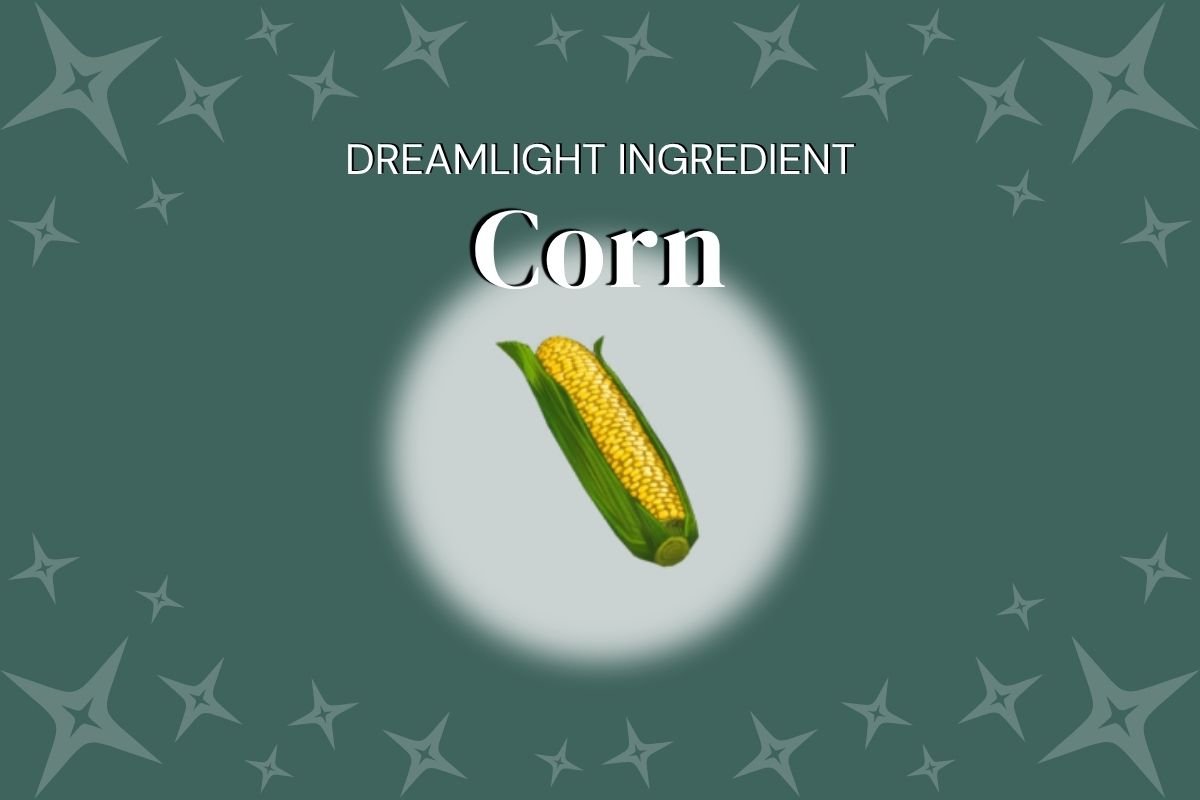
Ingredients like Dreamlight Corn are used to cook dishes and create crafting recipes in Disney’s virtual world. Fill restaurant menu orders or build a snowman with the perfect carrot nose. Grow crops, refill energy stores and treat your Valley Villagers to a five-course meal like it’s no big deal with easy-to-make Dreamlight recipes.
In this post you’ll find everything you need to know about corn seeds packets, gardening activities and which recipes call for Dreamlight Corn.
Learn how to plant seeds and make meals with corn. Then find instructions to help guide through and explore the recipe book; where recipes are stored until you need to reference them for the right recipe ingredients.
How To Get Dreamlight Corn
Start meal orders and friendship requests by gathering your spices, herbs and any other items the recipe calls for. As for produce ingredients, the options are: grow the produce needed using seed packets or buy ready-to-cook vegetables.
Where to Find Corn in The Valley
Corn and corn seeds are both available at Goofy’s Stall in the Glittering Dunes (level 1) and Dazzling Beach (level 2). Unlock all of the stall’s upgrades for access to a complete list of the biome’s native resources.
Growing vs. Buying Corn
Gardening is a less expensive way to help Mickey’s pals, but a quick boost to your cashflow is always nice. Try selling home-grown vegetables or handmade dishes to pay for new outfits and unique items from Scrooge.
Players can purchase fully-grown vegetables, fruit and grain ingredients from Goofy’s Stall once the stall is unlocked and set up in its native area. You’re then ready to crush Villager requests and friendship quests like a pro.
Some goods are available in a future level of Goofy’s Stall. Check your recipe book see when each item or material is available for purchase.
Seed Packet Bonus
Planting seeds in their native biome rewards players with a 10% accelerated growth bonus. In other words, crops grow 10% faster in their preferred biome.
To figure which goods are native in each area, visit Goofy’s Stall for a quick peek—the items available in his shop are native to that area.
You can also check ingredient photos for a caret (^) icon. The indicator shows up in the upper left corner of photos if they are native to your current location.
How To Grow Crops
Assuming you’ve purchased seed packets at the local stand, place a garden plot, dig a hole and grab your Royal Tools to grow your own fruit, grains and vegetables.
Growing your own ingredients takes time and effort, but requires less Star Coins. If you’re not in a hurry, consider planting and watering your seedlings for a money-wise choice.
Watering Seeds
Some seed packets needs water to grow. Water your seeds using the Watering Can, located in your inventory.
Rainy Weather
In Dreamlight Valley, rain water will water thirsty plants while you’re away. One rain storm equals one action and occurs randomly each day. So pack an umbrella because you never know when the weather will turn stormy in The Valley.
Corn and Seed Packet Details
Here are the numbers you’ll need when considering whether to buy vegetables or grow your own recipe ingredients. Look at not only the prices, but how many grows per seed packet.
To get an accurate profit total, multiply the number the action yields by the price if sold, then subtract the seed packet price. Making sure this formula is followed to properly compare profit for each crop or item.
- Price to Purchase: 12 Star Coins
- Price to Buy Seed Packet: 15 Star Coins
- Yields: 2
- Price to Sell: 16 Star Coins
- Total Profit: + 17 Star Coins
Not a math girl? Get my time-saving Dreamlight Profits: Items & Ingredients Chart to quickly compare Star Coin earnings for every seed packet. If you’re goal is completing meal collections as fast as possible or earning more money for furniture, this is the guide you have to have.
How to Cook Meals
Creating meals in the game is easy, as long as you know what you’re doing. Let’s run through the quick details on how to cook in the Dreamlight Valley game. If you prefer a more detailed walk-through consider reading, Dreamlight Cooking Made Easy.
To cook a meal, open your recipe instructions and gather the items needed. Once you have all of the items in your storage and/or inventory, add each item to the cooking pot, then hit the ‘start cooking’ button.
Use the autofill button if you want to speed up the process. Using the autofill option adds all of the required items for the recipe to the cooking pot. From there, click the button to whip up the perfect dish.
Cooking Pot Locations
Stovetops are found in a few Villager homes, inside Chez Remy and in the Ratatouille Realm, located on the first level of the Dream Castle.
Dreamlight Valley Activities
Corn isn’t just used to grow vegetables. It’s also used to create crafting recipes for story quests and other tasks during gameplay.
Below you’ll find all of the cooking and crafting recipes that use corn as well as the quest tasks that require corn.
Cooking Recipes
One Star Recipes
None
Two Star Recipes
Popcorn
Three Star Recipes
Ajiaco
Arepas con Queso
Nachos
Pupusas Revueltas
Sweet Popcorn
Four Star Recipes
Fish Tacos
Pastéis de Nata
Seafood Boil
Tea Sandwiches
Vegetarian Taco
Five Star Recipes
Meaty Taco
Ranch Salad
Crafting Recipes
Autumn Harvest Pennants
Gardening Training Manual
Quest Tasks
A Story to Tell
Uses Sweet Frost Popcorn
It’s All Nonsense!
Uses Tea Sandwiches
The Friendship Ball
Deliver to Remy
Villager of the Month: Mike
Uses to make Hodgepodge à la Monstropolis
As you can see, there are lots of great options to use corn in the Valley. Whether you’re playing to complete collections or to make five-course meals, you’re ready to tackle your Dreamlight Valley goals.