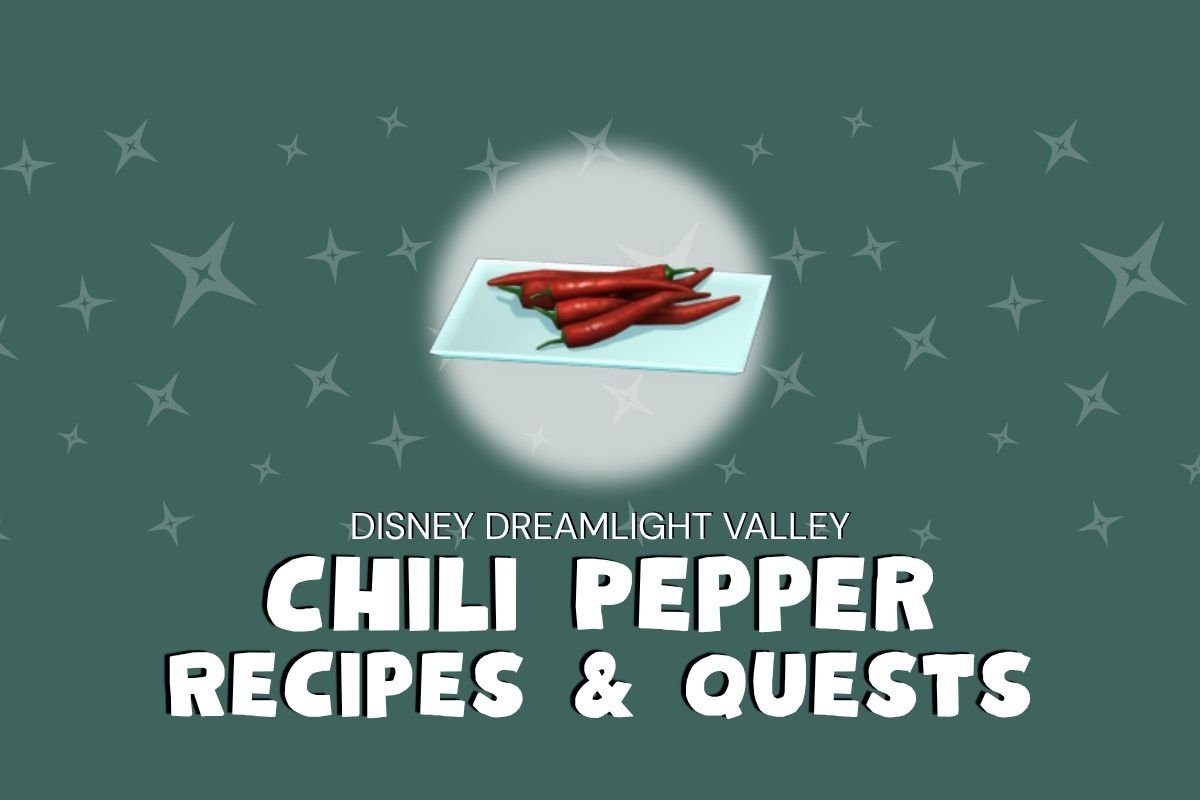
Dreamlight Chili Pepper Recipes & Quests
Dreamlight Chili Pepper is used to cook dishes and create crafting recipes in Disney’s virtual kingdom. The recipe ingredient is also used for menu orders placed by hungry Valley Villagers.
Learn how to build friendships, cook a five-star meal or build a snowman family complete with three carrot noses. There’s no limit to what players can do with veggies in Disney’s virtual world.
You’ll also find quick gardening tips, how to grow Carrot Seed Packets and which recipes and quests use Chili Peppers in Disney’s Dreamlight Valley.
How To Get Dreamlight Chili Pepper
Start meal orders and friendship requests by gathering recipe ingredients. Options include gardening to grow crops or buying produce items from Goofy or in Scrooge McDuck’s shop.
Where to Find Chili Peppers
Chili Pepper and Chili Pepper Seed Packets are found at Goofy’s Stall in Glittering Dunes (level 2) and
Sunlit Plateau (initial set up). Unlock all of the stall upgrades to offer all of the biome’s native resources.
Seed Details
Seed Location
Sunlit Plateau, first upgrade
Glittering Dunes, second upgrade
Seed Price
20 Star Coins
Yield
1
Time To Grow
45 minutes
Accelerated Grow Time
2 hours, 1 minute
Watering Needs
Twice
Growing vs. Buying Chili Pepper
Gardening is less expensive than buying fruits and vegetables. However, buying ingredients saves time over growing grains or making supplies. Selling harvested crops helps players by giving a quick boost to your bank balance.
Try selling homemade dishes to buy limited edition items and seasonal outfits with profits.
Players can purchase ingredients from Goofy’s Stall after the stall is unlocked and set up in its native area. Some stall items aren’t available immediately. Upgrade Goofy’s stand to complete the biome’s recipe list.
Seed Packet Bonus
Planting seeds in their native biome rewards players with a 10% accelerated growth bonus. In other words, crops grow 10% faster in their preferred biome.
To figure out which goods are native to the area, check your recipe book or visit Goofy’s Stall for a quick peek at which items he stocks for a hint.
You can also check ingredient collection photos for a caret (^) icon. The indicator shows in the upper left corner of photos if they are native to your current location.
Growing Crops
Assuming you’ve purchased seed packets at the local stand, place a garden plot, dig a hole and grab your Royal Tools to grow your own fruit, grains and vegetables.
Growing your own ingredients takes time and effort, but requires less Star Coins. If you’re not in a hurry, consider planting and watering your seedlings for a money-wise choice.
Water Needs For Seeds
Some seed packets needs water to grow. Water your seeds using the Watering Can located in your inventory. Select the tool from your inventory to complete watering requirements needed to grow crops from seed bags.
Rainy Weather
In Dreamlight Valley, rain waters thirsty plants while you’re away from The Valley. One rain storm equals one watering action. Rain clouds occur randomly every day. So pack an umbrella because you never know when weather will turn stormy in The Valley.
Comparing Chili Peppers and Chili Pepper Seeds
Here are the numbers you need to consider when deciding whether to buy vegetables or grow your own recipe ingredients. Consider at not only the prices, but how many grows per seed packet.
To get an accurate profit total, multiply the number of items grown by the price when sold, then subtract the seed packet’s purchase price. Following this formula will ensure your numbers are correct when comparing profit for each item.
- Purchase Price: 117 Star Coins
- Seed Packet Price: 20 Star Coins
- Yield: 1
- Sale Price: 78 Star Coins
- Total Profit: + 58 Star Coins
Making Meals
Creating Dreamlight meals is as easy as combining ingredients to make the perfect appetizer, entree or dessert. Let’s quickly discuss how to cook in Disney’s Dreamlight Valley.
Whip up dinner for Remy’s diners or present a Valley friend with their favorite treat— the options are endless! Start by gathering everything you need according to the recipe. Once you have all of the required items in storage chests or your inventory, add each item to the cooking pot. Hit the button to start cooking.
In a hurry? Use the autofill button to cut prep time and speed up cooking. Tap the button for a one-click option that adds each recipe ingredient to the cooking pot. Easy Peasy!
Cooking Pot Locations
Stovetops for cooking are found in only a few Villager homes, however, there is a cooking station located inside Chez Remy and inside the Ratatouille Realm in the Dream Castle.
Dreamlight Valley Activities Using Chili Pepper
Asparagus is used for more than making food. It’s also used for crafting recipes and to complete tasks given during story quests. Below you’ll find recipes, instructions and tasks that use Dreamlight Chili Pepper.
Cooking Recipes
One Star Recipes
None
Two Star Recipes
None
Three Star Recipes
Chili Pepper Puffs
Nachos
Piquant Piranha Soup
Ruby Masoor Dal
Spaghetti Arrabbiata
Spicy Baked Bream
Spicy Macarons
Four Star Recipes
Fish Tacos
Tandoori Chicken
Vegetarian Taco
Five Star Recipes
Gumbo
Meaty Taco
Crafting Recipes
Craftable Furniture
Giant Meatball
Saucery Extract
Uncooked Spaghetti Wall
Quest Recipes
Icy-Red Stew… Yuck
Red Potato Quest
Scar’s Winning Stew
Scar’s Campaign: A Suspicious Stew
Unfortunate-Fish Soup
The Timon Talk
Quests & Tasks
A Cockamamie Contest
Deliver 5 to Oswald
Scar’s Campaign: A Suspicious Stew
Use 3 to make three Scar’s Winning Stew meals
The Timon Talk
Use to cook Unfortunate-Fish Soup
As you can see, there are so many great options to use asparagus in the Valley. Whether you’re trying to complete collections or growing the ingredients needed for a gourmet meal, you’re ready to tackle any Dreamlight Valley goal.