Dreamlight Corn Recipes & Quests
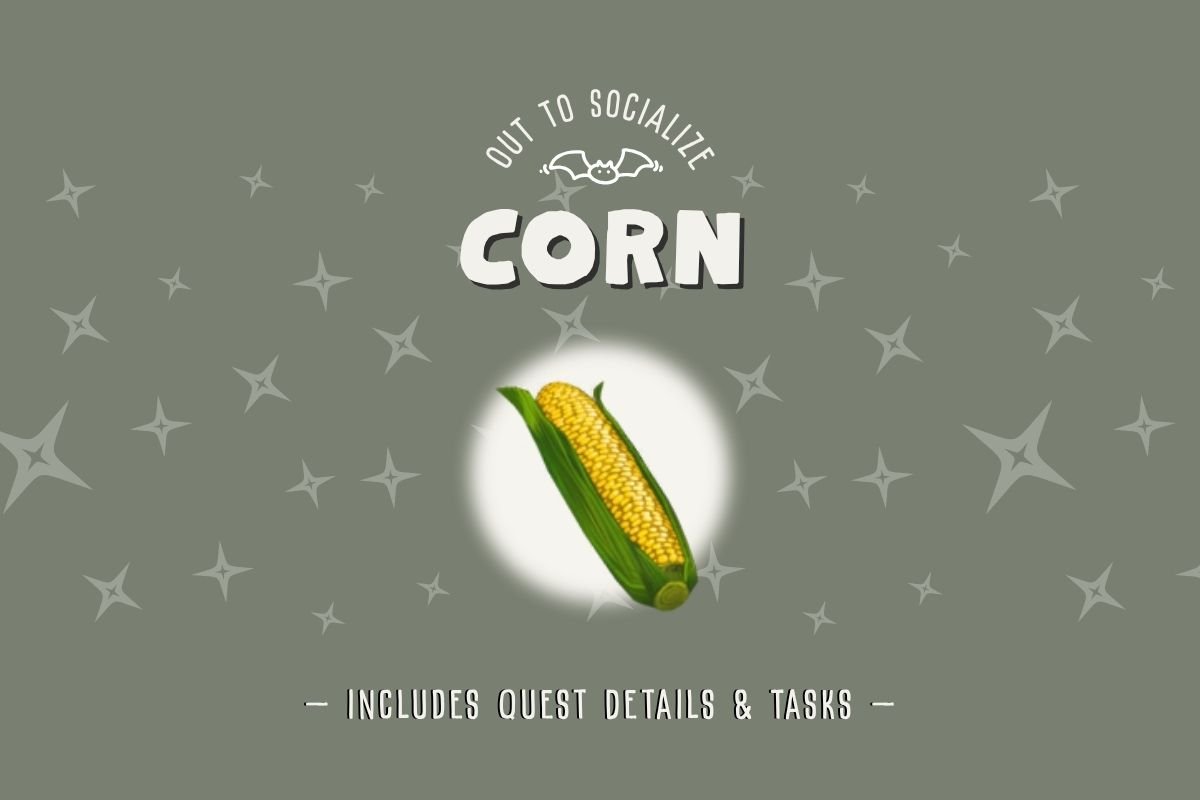
The Dreamlight Corn is a vegetable included in cooking recipes and crafting recipes in Disney’s Dreamlight Valley. Like all veggies, Corn is grown from seed packets. Plant seeds, water your seedlings and use ingredients to fill diners’ requests in a local restaurant.
In this post, learn how to build friendships, cook five-star meals or build a snowman crafting recipe—complete with carrot noses.
You’ll also find quick gardening tips, learn how to grow Corn Seed Packets and finally, find out which cooking recipes and quests use Corn in Disney’s Dreamlight Valley.
How To Get Dreamlight Corn
Cooking meal orders begins with making sure you have the supplies you need. Options to get ingredients include gardening to grow your own vegetables or buying crops from Goofy.
Corn Seed Packets are available In Dazzling Beach after the second repair of Goofy’s Stall (Level 2) and Glittering Dunes after the initial repair of Goofy’s Stall (Level 1). At that time you can also purchase fully-grown corn. Make sure to unlock all stall upgrades to open all six the stall’s spots.
Corn Seed Details
Seed Location
Dazzling Beach, second upgrade
Glittering Dunes, first upgrade
Seed Price
24 Star Coins
Yield
2
Time To Grow
12 minutes
Accelerated Grow Time
10 4/5 minutes
Watering Needs
Once
Growing vs. Buying Crops
Gardening is less expensive than buying fruits and vegetables. However, buying ingredients saves time over growing produce. Stalls are also where you can sell materials to get a quick boost to your cashflow.
Selling meals and ingredients to Goofy can be done at any stand, in any biome.
Seed Packet Bonus
Planting seeds in their native biome rewards players with a 10% accelerated growth bonus. In other words, crops grow 10% faster in their preferred biome.
To figure out which goods are native to the area, check your recipe book or visit Goofy’s Stall to see which items he stocks—these are items native to the biome you’re currently in..
You can also check ingredient collection photos for a caret (^) icon. The indicator shows in the upper left corner of photos if they are native as well.
How to Plant Seeds
To grow seed packets, place a garden plot, then dig a hole for your seeds. Grab your watering can to water seedlings. Check how many times each seed packet requires and water them as they needed to mature.
Watering Seeds and Rainy Weather
In Dreamlight Valley, rain water satisfies thirsty plants. While you’re away from The Valley, a rain storm equals one watering action. Rain occurs randomly each day. Pack an umbrella—you never know when sunny weather will turn stormy.
Should I buy or grow corn?
Here are the numbers needed when considering whether to buy vegetables or grow your own recipe ingredients. Look at not only the prices, but how many grows per seed packet.
- Purchase Price: 24 Star Coins
- Seed Packet Price: 15 Star Coins
- Yield: 2
- Sale Price: 16 Star Coins
- Total Profit: + 17 Star Coins
To get an accurate profit total, multiply the number of items grown by the price when sold, then subtract the seed packet’s purchase price. Following this formula will ensure your numbers are correct when comparing profit for each item.
How to Cook Meals
Creating Dreamlight meals is as easy as combining ingredients. Make the perfect appetizer, entrée or dessert at one of the cooking stations throughout The Valley.
Start by gathering all of the cooking ingredients according to the recipe instructions. Next, add each item to the cooking pot or use the autofill option to add everything to the cooking pot. After your meal is ready, you can find it in your inventory.
Stovetops are found in a few Villager homes, at Chez Remy, Tiana’s Restaurant, or Remy’s Kitchen in the Ratatouille Realm, located inside of the Dream Castle.
Recipes Using Dreamlight Corn
Now that you know how to grow and cook corn, let’s look at the recipes that include the vegetable ingredient.
One Star Recipes
None
Two Star Recipes
Popcorn
Three Star Recipes
Ajiaco
Arepas con Queso
Nachos
Pupusas Revueltas
Sweet Popcorn
Four Star Recipes
Fish Tacos
Pastéis de Nata
Seafood Boil
Tea Sandwiches
Vegetarian Taco
Five Star Recipes
Meaty Taco
Ranch Salad
Corn Cooking Recipes
Popcorn Recipe
1 Canola
1 Corn
Ajiaco Recipe
1 Corn
! Potato
1 Poultry
Arepas con Queso Recipe
1 Agave
1 Cheese
1 Corn
Nachos Recipe
1 Corn
1 Cheese
1 Chili Pepper
Pupusas Revueltas Recipe
1 Beans
1 Corn
1 Poultry
Sweet Popcorn Recipe
1 Agave
1 Canola
1 Corn
Fish Taco Recipe
1 Cheese
1 Chili Pepper
1 Corn
1 Any Fish
Pastéis de Nata Recipe
1 Corn
1 Egg
1 Milk
1 Vanilla
Seafood Boil Recipe
1 Corn
1 Potato
1 Any Seafood
1 Any Spice
Tea Sandwiches Recipe
1 Cherry
1 Corn
1 Any Fish
1 Wheat
Vegetarian Taco Recipe
1 Chili Pepper
1 Corn
1 Cheese
1 Any Vegetable
Meaty Taco Recipe
1 Chili Pepper
1 Corn
1 Cumin
1 Any Vegetable
1 Venison
Ranch Salad Recipe
1 Bell Pepper
1 Corn
1 Lettuce
1 Onion
1 Tomato
Corn Crafting Recipes
Autumn Harvest Pennants
Autumn 2023 Redemption Code
10 Dark Wood
5 Fabric
10 Corn
4 Pumpkin
Gardening Training Manual
Villager of the Month: Mike
8 Corn
4 Carrot
500 Dreamlight
12 Tomato
Corn Quests & Tasks
A Story to Tell
Uses 2 Sweet Frost Popcorn
Villager of the Month: Mike
Use to make 2 Hodgepodge à la Monstropolis meals
It’s All Nonsense!
Uses 2 Tea Sandwiches
The Friendship Ball
Deliver 7 to Remy
As you can see, there are so many great options to use Dreamlight Corn in the Valley. Whether you’re trying to complete collections or growing ingredients for a entree meal, now you’re ready to tackle any Valley goal.