
Disney World Rides: Where To Find PhotoPass Pictures
If you’re on the fence about purchasing a MemoryMaker and not sure you can get enough photos to make it worth the money, you’ve come to the right place. In this post we’ll look at ways to get all your favorite ride pictures.
Find each PhotoPass location listed by park with details about the camera location so you can look your best when snapping pics.
Some rides also have videos that come with the purchase of Disney’s MemoryMaker. These snippets are so fun to share on social media! There also is a collection of professional photos from around the Disney World Resort to enjoy in your photo albums or to use for Facebook & Insta posts.
Disney’s MemoryMaker Photo Service
What Is MemoryMaker?
A virtual collection of photos stored on your MagicBand from theme parks, Disney Springs, and around Disney property. In the Disney parks, photographs are taken by PhotoPass photographers and cameras on rides. Having access to these photos is a nice addition to a stress-free Orlando vacation.
Is Disney’s MemoryMaker Worth It?
The short answer? Yes, absolutely.
The heart of any vacation is the memories. Capturing those special moments is worth the money spent on irreplaceable laughs and special moments. This is not the place to cut corners, trust me.
According to Disney’s site, there are over 175 PhotoPass locations both in and out of their Florida theme parks. That’s a lot of snapshots! You could star in your own photoshoot, you know, if that’s your thing.
How to Use MemoryMaker
Guests will be happy to hear that media is added to your My Disney Experience account. All you have to do before your trip is link your Disney account to your PhotoPass card, park ticket, or MagicBand. Then scan your mobile park pass, or a
If you get to the WDW Resort and forgot to purchase a MemoryMaker or changed your mind about getting one, just ask for a PhotoPass card from your first photographer to scan for future PhotoPass opportunities. Then add the card to your Disney account on the MDE app.
How To Take PhotoPass Photos
- Stop for a photo at the beginning of your first park day.
- Say “cheese!”
- Grab your digital device or ask for a PhotoPass card.
- The cast member will scan your card or phone.
- Your photos are automatically loaded to your Disney account.
How to Add Your MemoryMaker to your My Disney Experience Account
Open your My Disney Experience account on your preferred platform. Your photos can be found by tapping on the hamburger menu.
Save Money on a MemoryMaker
When you’re traveling to see the mouse, it’s always nice to save a few bucks. Walt Disney World has a perk for prepared guests—all you have to do is purchase and activate your MemoryMaker more than 3 days before you use it the first time.
As of today (April 2026), a full-priced MemoryMaker is $210.
The purchase price changes according to when the photo service is purchased and activated. Activation refers to adding your activation code to your Disney account.
If this is your first time activating a MemoryMaker, once you scan your park pass or MagicBand to claim your photos, your MemoryMaker is considered activated. If this isn’t the first time you bought a PhotoPass, your photos will be added to your photo album when your first PhotoPass photo is taken or scanned. Easy Peasy!
Get the details below on each price option available:
MemoryMaker 1 Day Pass
MemoryMaker $85: This is a great option for a day visit.
MemoryMaker
Early Purchase Price $180: This option has to be purchased 3 days before use.
Price $210: Available 2 days before use and after your Disney trip.
Whether you’re staying on property or off-property, this pass is the pass for all photos and videos for 30 days after activation. Again, activation begins with the first picture.
How To Buy a MemoryMaker
There are a few ways to purchase a MemoryMaker. The first is to use the link on Disney’s website via browser or log into My Disney Experience via app or web.
- Log into your account on your laptop or mobile device.
- Click the hamburger menu
- Scroll down to the Disney PhotoPass section
- Click ‘Shop MemoryMaker’
- Make the best photo package choice for your trip
- Add to the cart
- Complete your purchase
- Confirm your purchase is linked in the My Disney Experience app (MDE)
PhotoPass Locations In The Theme Parks
Make the most of your money when you buy a MemoryMaker with tons of pictures with these experiences at Disney World. Below you’ll find each PhotoPass location in each of the four parks and exactly where to find the camera so you can make sure to look the right way.
Magic Kingdom Ride Photo Details
Buzz Lightyear Space Ranger Spin
- Ride Location: Tomorrowland
- At the end of the ride, your star cruiser will turn towards the evil Zurg and the Astro Blasters stop working. The ride camera is the bottom of the Zurg’s spaceship.
Pirates of the Caribbean
- Ride Location: Adventureland
- On the top left, immediately after the beach sequence, you’ll see a talking skull. This is where the camera is located.
When the skeleton says, “Dead Men Tell No Tales,” get ready—the photo snaps immediately before a small drop.
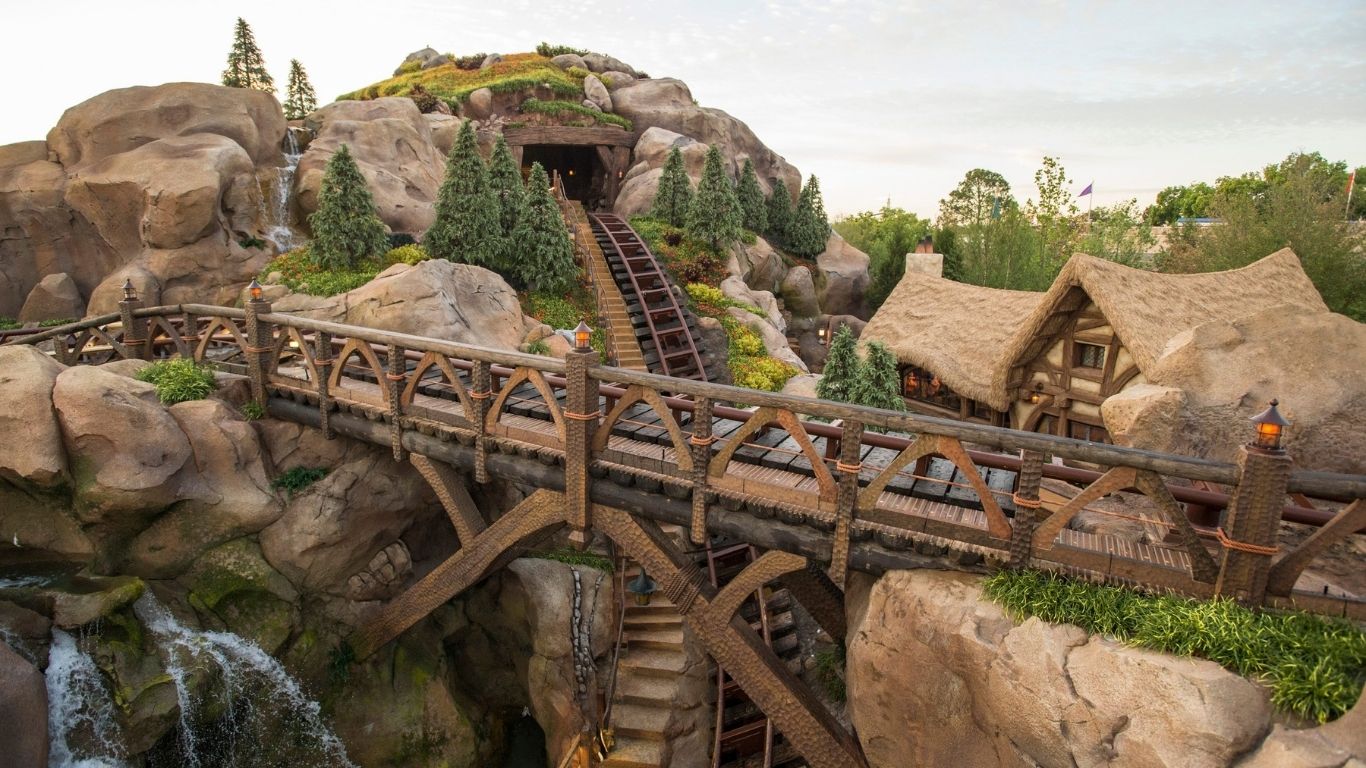
Seven Dwarfs Mine Train
- Ride Location: Fantasyland
- The camera is on the left during the big drop, about a quarter of the way down.
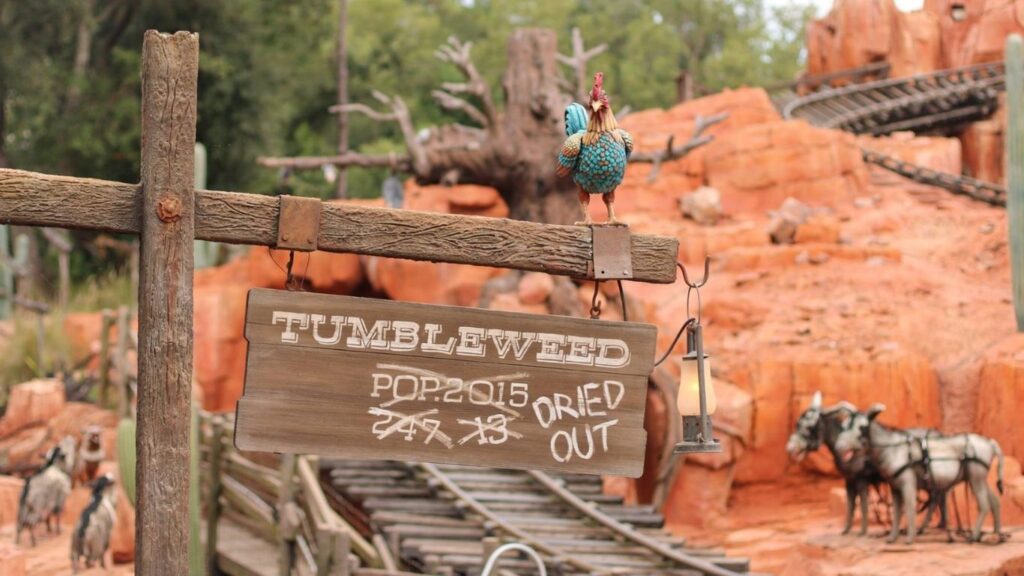
Tiana’s Bayou Adventure (formerly Splash Mountain)
- Ride Location: Frontierland
- After the mine sequence and the dwarfs sing “Hi Ho!“, the mine train exits the tunnel and there is a sudden drop with a photo on the left..
Hollywood Studios Photos
Rock ‘N Roller Coaster Featuring The Muppets
- Ride Location: Sunset Boulevard
- Immediately after you launch (like literally a split second) this camera is on your right, and produces very noticeable flashes.
Rock ‘N Roller Coaster Featuring The Muppets
- Ride Location: Tower of Terror
- Both video and photo. This happens at your selected drop sequence’s most intense moment, usually when it brings you all the way to the top and opens the door and then immediately pulls you down. Harder to pinpoint as the camera is directly in front of your elevator.
Epcot Attraction Photos
- Ride Location: Tower of Terror
- Both video and photo. This happens at your selected drop sequence’s most intense moment, usually when it brings you all the way to the top and opens the door and then immediately pulls you down. Harder to pinpoint as the camera is directly in front of your elevator.
Frozen Ever After
- Ride Location: Norway Pavillon in the World Showcase
- Both video and photo. This happens at your selected drop sequence’s most intense moment, usually when it brings you all the way to the top and opens the door and then immediately pulls you down. Harder to pinpoint as the camera is directly in front of your elevator.
Test Track
- Ride Location: World Discovery (formerly known as Future World)
- As your car is speeding toward the brick wall, get ready-this photo snaps at the last minute before the wall.
Animal Kingdom Park Attractions
Dinosaur (Closed as of 2/2026)
- Ride Location: Dinoland
- As your car is speeding toward the brick wall, get readythis photo snaps at the last minute before the wall.
Expedition Everest
- Ride Location: Asia
- On the main drop right before you leave the inside of the mountain, the photo is on your right.
PhotoPass Tips
Elevate your vacation pics with these helpful tips:
If photos are a priority on your trip, consider using a Genie Pass to book your favorite attractions.
Pay attention to where the camera is for the best pics and take a minute in the line to come up with a plan with whomever your riding the ride. Silly pose, serious pose, or TikTok trend having great photos to remember your trip is a must.
Use a helpful checklist for PhotoPass locations (Grab a digital version or a printable instant download for all 4 Disney World theme parks)